
How to Set Up IPTV on Kodi With PVR IPTV Simple Client
AppsUpdated October 31, 20263 min read
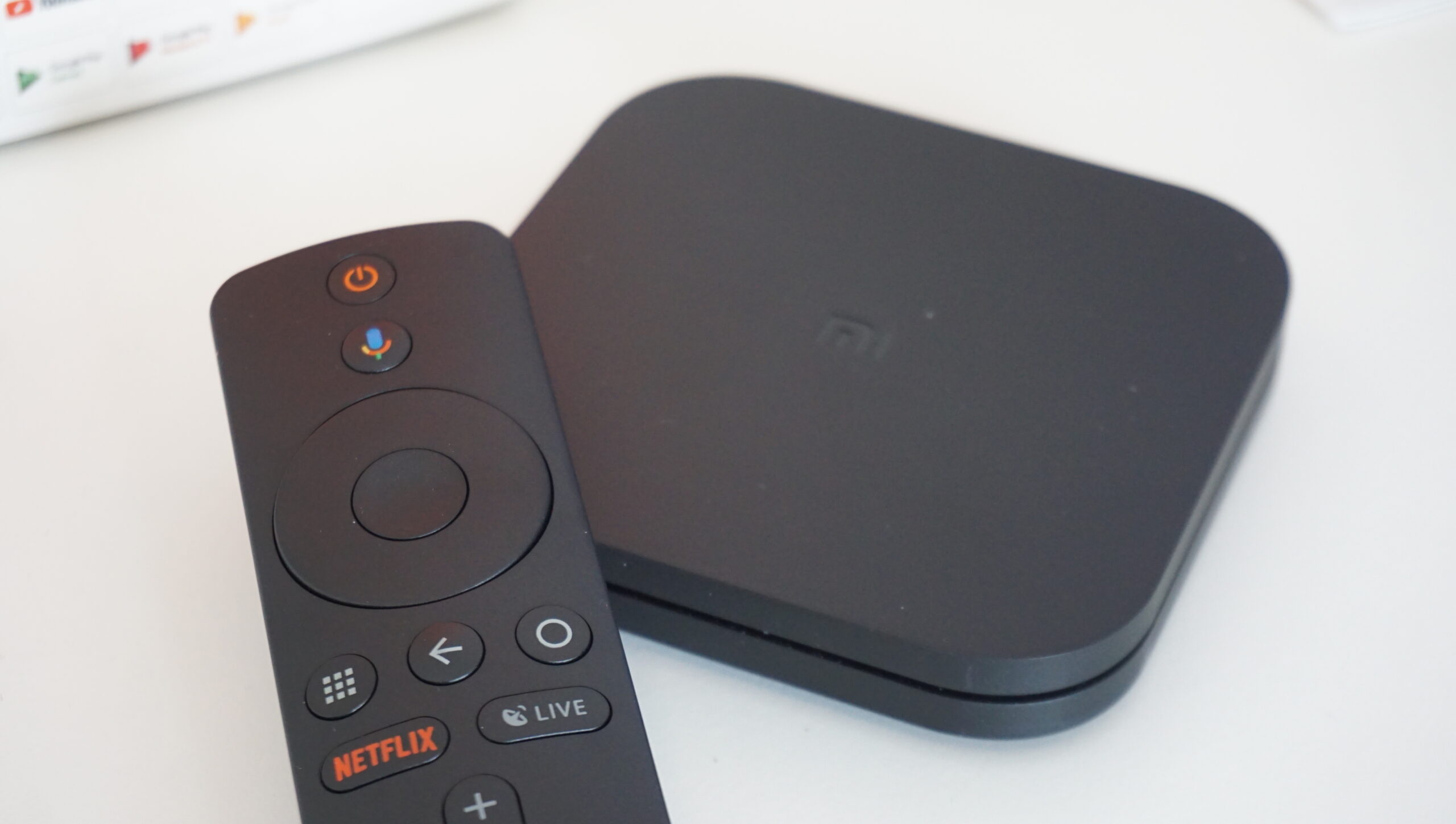
Kodi is a free, open-source media center for Windows, Mac, Linux, Android and Fire TV. With the official PVR IPTV Simple Client add-on, Kodi turns an M3U playlist into a live TV section with channel groups and a full program guide.
Kodi itself contains no content and isn’t affiliated with any IPTV service.
What You Need
- Kodi, downloaded from the official kodi.tv website or your device’s app store.
- Your M3U playlist link and, ideally, your EPG (XMLTV) link.
Step 1: Install PVR IPTV Simple Client
- Open Kodi and select the Settings (gear) icon.
- Go to Add-ons > Install from repository.
- Choose PVR clients, then PVR IPTV Simple Client.
- Select Install.
On some Linux systems the add-on is installed through the system package manager instead.
Step 2: Add Your Playlist
- Go to Add-ons > My add-ons > PVR clients > PVR IPTV Simple Client.
- Choose Configure. On newer Kodi versions you may first need to choose Add add-on configuration.
- In the General section, set Location to Remote path (Internet address).
- Paste your link into M3U playlist URL.
Step 3: Add the TV Guide
- Open the EPG section of the same settings.
- Set the location to Remote path and paste your XMLTV URL.
- If times are off, adjust the EPG time shift.
- Select OK.
Step 4: Enable and Restart
Make sure the add-on is enabled, then restart Kodi. A TV entry appears in the main menu with Channels and Guide. The first load can take a few minutes for large playlists.
Troubleshooting Kodi IPTV
- No TV menu: check that the add-on is enabled, and that TV is enabled in Settings > Interface > Skin > Configure skin > Main menu items.
- “No PVR client enabled” or no channels: re-check the M3U URL; test it in VLC.
- Empty guide: confirm the XMLTV URL and see EPG not working.
- Changes don’t apply: clear data in Settings > PVR & Live TV > General > Clear data, then restart.
Frequently Asked Questions
Yes. Kodi is legal open-source software. Legality depends on the content you add to it.
It uses M3U playlists. Ask your service for the M3U version of your Xtream Codes login.
Yes. Newer Kodi versions let you add several configurations of the add-on, one per playlist.