
How to Watch IPTV in VLC Media Player
AppsUpdated October 31, 20263 min read

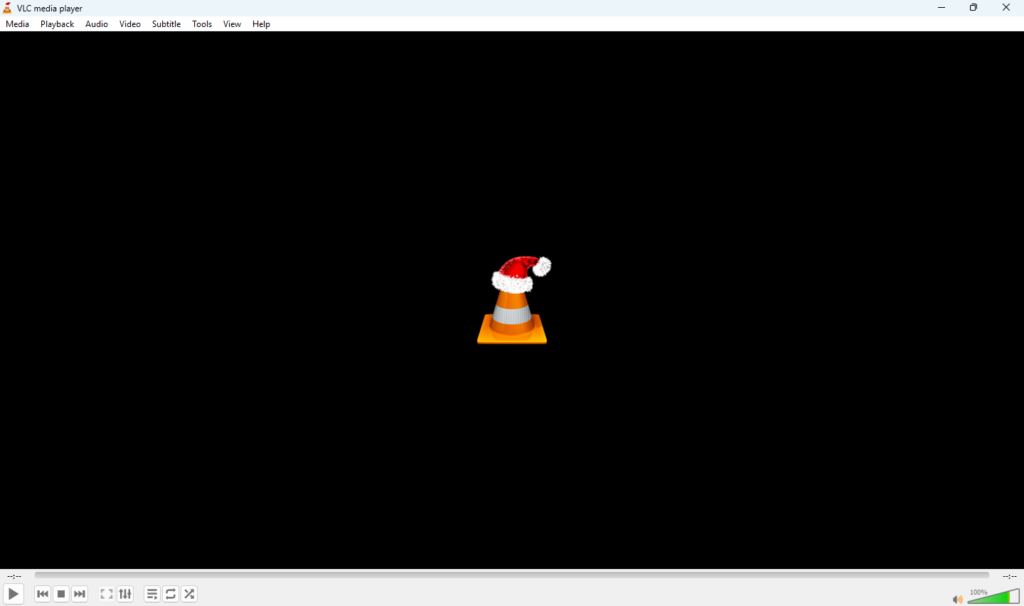
VLC is a free, open-source media player from VideoLAN that runs on almost every device. It can open an IPTV M3U playlist in seconds, which makes it the easiest way to test a login or watch on a computer. Its one limit: VLC has no TV guide.
Before You Start
- Download VLC only from the official VideoLAN website or your device’s app store.
- Have your M3U link ready. If you only have an Xtream Codes login, ask your service for the M3U version.
VLC on Windows
- Open VLC and choose Media > Open Network Stream (Ctrl+N).
- Paste your M3U link into the network URL box.
- Click Play. The first channel starts.
- Press Ctrl+L to open the playlist and choose a channel.
VLC on Mac
- Open VLC and choose File > Open Network.
- Paste the M3U link and click Open.
- Use Window > Playlist to browse channels.
VLC on Android, Fire TV and iPhone
- Install VLC from Google Play, the Amazon Appstore or the App Store.
- Open the menu and choose Stream (Android) or Network > Open Network Stream (iOS).
- Paste the M3U link and start playback.

Save Your Playlist for Next Time
On a computer, after the playlist loads choose Media > Save Playlist to File (Windows) and save it as .m3u or .xspf. Open that file next time instead of pasting the link. Keep it private: the link inside contains your login.
Fix Stuttering Streams in VLC
- Go to Tools > Preferences (Windows) or VLC > Settings (Mac).
- Choose Show settings: All.
- Open Input / Codecs and increase Network caching, for example to 3000 ms.
- Save and restart VLC.
More fixes: how to fix IPTV buffering.
When to Use Something Else
For a full TV guide on a computer, use Kodi with PVR IPTV Simple Client. On a TV, a dedicated player such as TiviMate or IBO Player is easier with a remote.
Frequently Asked Questions
No. VLC opens M3U playlists and direct stream links. Use the M3U version of your login.
No. VLC has no EPG. Use Kodi or a dedicated IPTV player for a guide.
Yes, when downloaded from the official VideoLAN site or an official app store. It’s open-source and has no ads.