
Best IPTV Player Apps in 2026 Compared
AppsUpdated October 31, 20263 min read
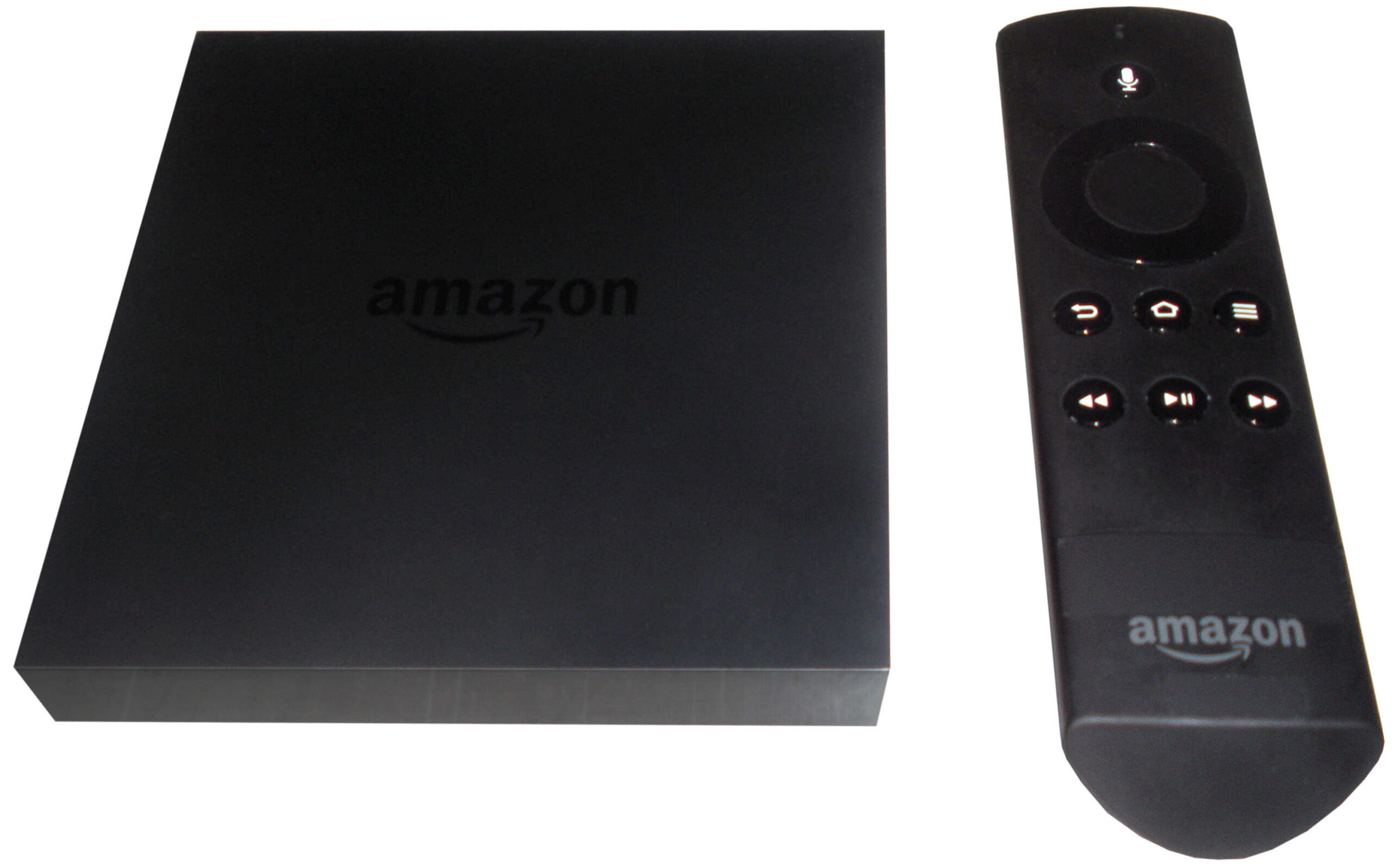
The best IPTV player depends mostly on one thing: the device you watch on. This comparison covers the six players we see used most, what each does well, and which to pick for your setup.
All of these apps are players only. None include channels; you add the login from the service you subscribe to.
Quick Comparison
| App | Main devices | Logins | TV guide | Cost |
|---|---|---|---|---|
| TiviMate | Android TV, Google TV, Fire TV | Xtream Codes, M3U | Yes | Free; Premium paid |
| IPTV Smarters Pro | Android, Fire TV, Windows, Mac | Xtream Codes, M3U | Yes | Free |
| IBO Player | Samsung, LG, Android, Fire TV, Apple | Xtream Codes, M3U (via website) | Yes | Trial, then one-time fee |
| GSE Smart IPTV | iPhone, iPad, Apple TV, Android | Xtream Codes, M3U | Yes | Free with in-app purchases |
| VLC | All | M3U | No | Free, open source |
| Kodi | All | M3U (via add-on) | Yes | Free, open source |
Prices and platform availability change; check each app’s official listing.
Best for Firestick and Android TV: TiviMate
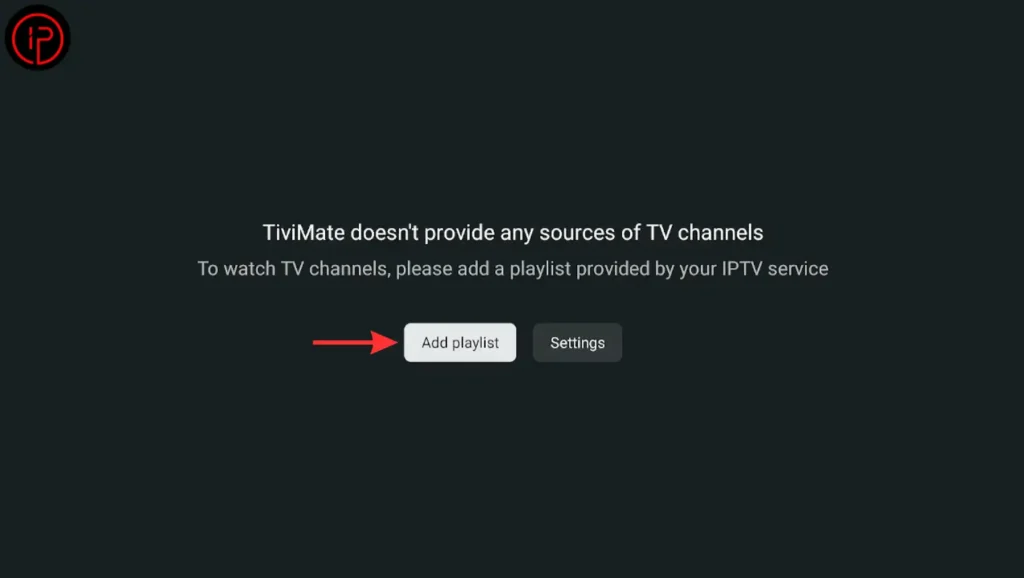
TiviMate looks and works like a cable box: a grid guide, favorites, catch-up and, with Premium, recording and multiple playlists. It’s built for TV remotes, so it isn’t meant for phones. Choose it if you watch mostly live TV on a Fire TV or Android TV device. Setup: TiviMate guide.
Best Free All-Rounder: IPTV Smarters Pro
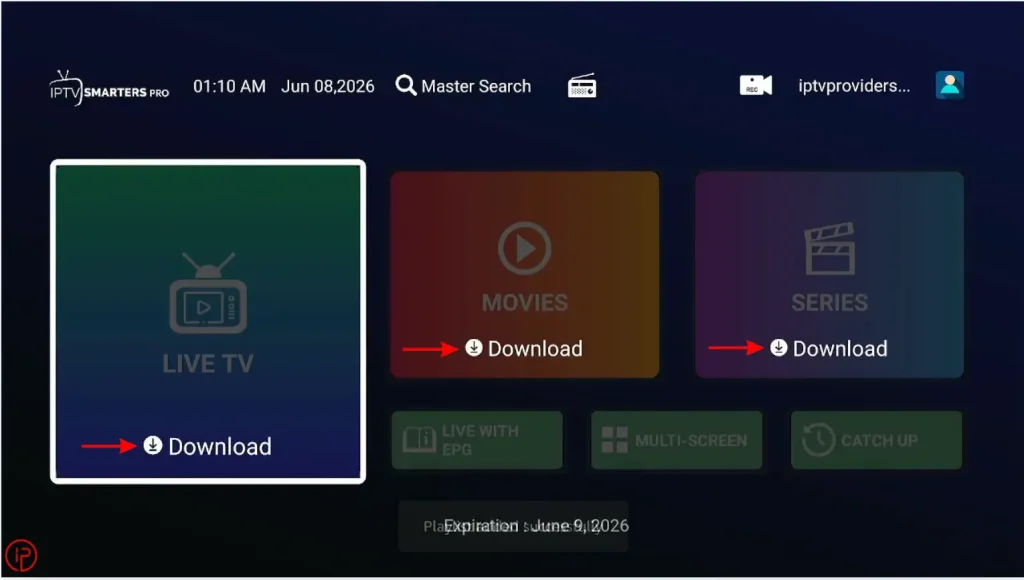
Smarters handles live TV, movies and series in separate sections, supports Xtream Codes login and runs on many platforms, including desktop. Its guide view is simpler than TiviMate’s. Choose it if you want a free app or use your service mostly for movies and series. Setup: Smarters guide.
Best for Samsung and LG TVs: IBO Player
IBO Player is one of the few players available on both Samsung (Tizen) and LG (webOS) TVs, as well as Android and Apple devices. You add your playlist through its website using the TV’s MAC address. Choose it if you want to watch without plugging in a streaming stick. Setup: IBO Player guide, Samsung TV, LG TV.
Best for iPhone and iPad: GSE Smart IPTV
A long-running App Store player with Xtream Codes, M3U and EPG support, plus Apple TV and AirPlay options. Alternatives include IPTVX and iPlayTV. See IPTV on iPhone and iPad.
Best for Testing and Computers: VLC and Kodi
VLC is the fastest way to check whether a playlist works. Kodi adds a proper TV guide on a computer or media box. Both are free and open source. See IPTV on PC.
How to Choose
- Start with your device: Samsung/LG TV → IBO Player; Fire TV or Android TV → TiviMate or Smarters; iPhone → GSE Smart IPTV; computer → VLC or Kodi.
- Check your login type. VLC and Kodi need an M3U link; the others accept Xtream Codes too.
- Try the free version or trial before paying for any activation or Premium upgrade.
Frequently Asked Questions
For Fire TV and Android TV, TiviMate is the most capable. For Samsung and LG TVs, IBO Player. For a free option across many devices, IPTV Smarters Pro.
No. They play content from the service you sign in with.
Yes, but streaming in both at once counts toward your plan’s connection limit.