How to Set Up IPTV on Firestick (2026 Step-by-Step Guide)
Set up IPTV on a Fire TV Stick: enable unknown apps, install a player app, sign in with Xtream Codes or M3U, and optimize for smooth…
Read guide
Step-by-step IPTV setup guides for Firestick, Samsung and LG Smart TVs, Android, iPhone and iPad, and Windows and Mac computers.
6 guides
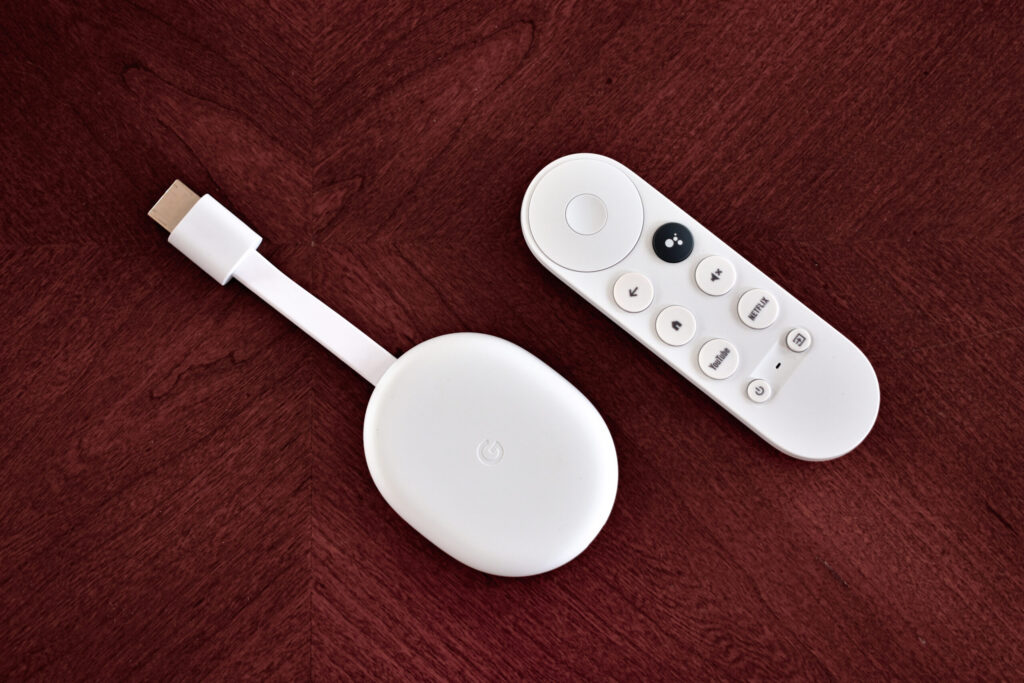
Set up IPTV on a Fire TV Stick: enable unknown apps, install a player app, sign in with Xtream Codes or M3U, and optimize for smooth…
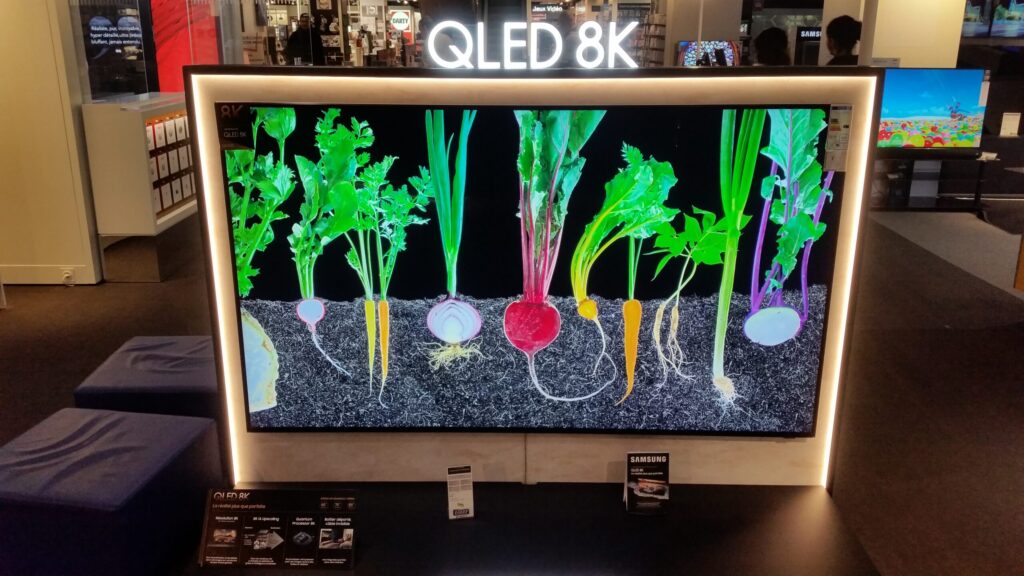
Read guideInstall an IPTV player on a Samsung Tizen Smart TV, activate it with the MAC address, add your Xtream Codes or M3U playlist, and fix common…
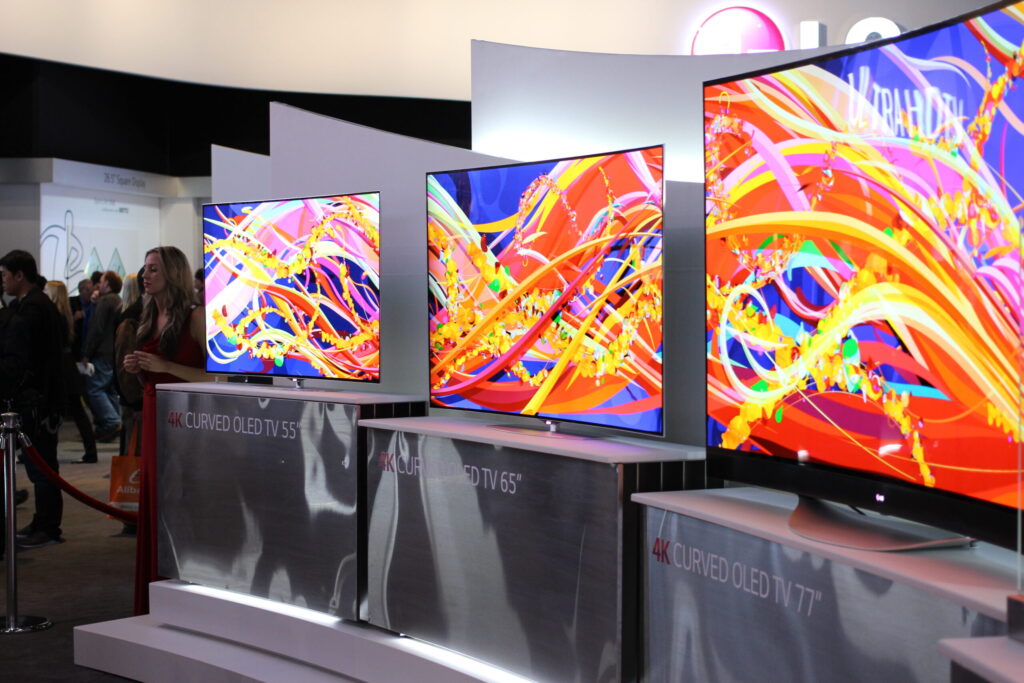
Read guideInstall an IPTV player on an LG webOS Smart TV, activate it, add your Xtream Codes or M3U playlist, and fix buffering and loading problems.
Read guideInstall an IPTV player on Android TV, Google TV or an Android phone, allow apps from official developer sites, sign in with Xtream Codes or M3U,…
Read guideChoose an IPTV player from the App Store, add your Xtream Codes or M3U playlist on iPhone or iPad, add a TV guide, and stream to…
Read guideFour ways to watch IPTV on a Windows PC or Mac: VLC, Kodi, IPTV Smarters for desktop and dedicated players. Step-by-step setup plus fixes.
Read guideAny modern streaming device can run IPTV, but the choice of apps differs a lot by platform.
Already set up but having problems? See our IPTV troubleshooting guides.
Most Samsung, LG and Android-based smart TVs can run an IPTV player from their app store. If yours can’t, plug in a Firestick or Android TV device.
No. A Firestick gives you the most app choices, but Smart TVs, phones, tablets and computers all work.
Yes, you can install the same login on several devices. Most plans limit how many can stream at the same time.
Can’t find your device or error? Tell us and we’ll write a guide for it.
Request a guide