
How to Set Up IPTV on an LG Smart TV
DevicesUpdated October 31, 20263 min read
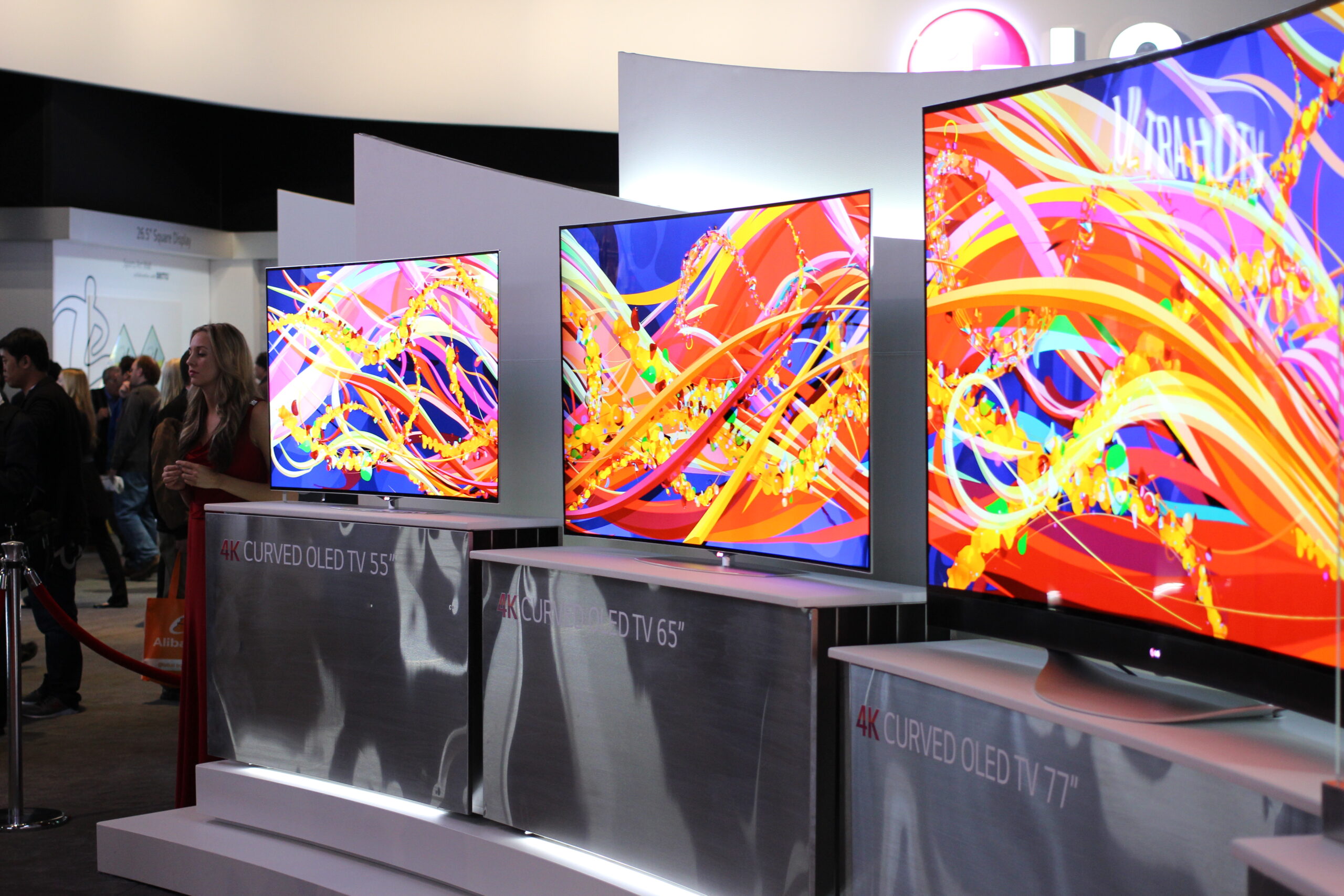
LG Smart TVs run webOS. Like Samsung’s Tizen, webOS doesn’t run Android apps, so you need an IPTV player from LG’s own app store. Once it’s installed, you add your playlist from a phone or computer and you’re ready to watch.
What You Need
- An LG Smart TV running webOS, connected to the internet.
- Your Xtream Codes login or M3U playlist link.
- A phone or computer for uploading the playlist.
IPTV Player Apps Available on LG TVs
The LG app store (LG Content Store on older models, Apps on newer ones) lists different apps by country. Players that are commonly available include IBO Player, Smart IPTV and Hot IPTV. Most have a free trial followed by a one-time activation fee per TV.
Step 1: Install the App
- Press the Home button on your LG remote.
- Open Apps (or LG Content Store).
- Search for the player by name, select it and choose Install.
- Launch the app from your Home screen.
Step 2: Activate and Add Your Playlist
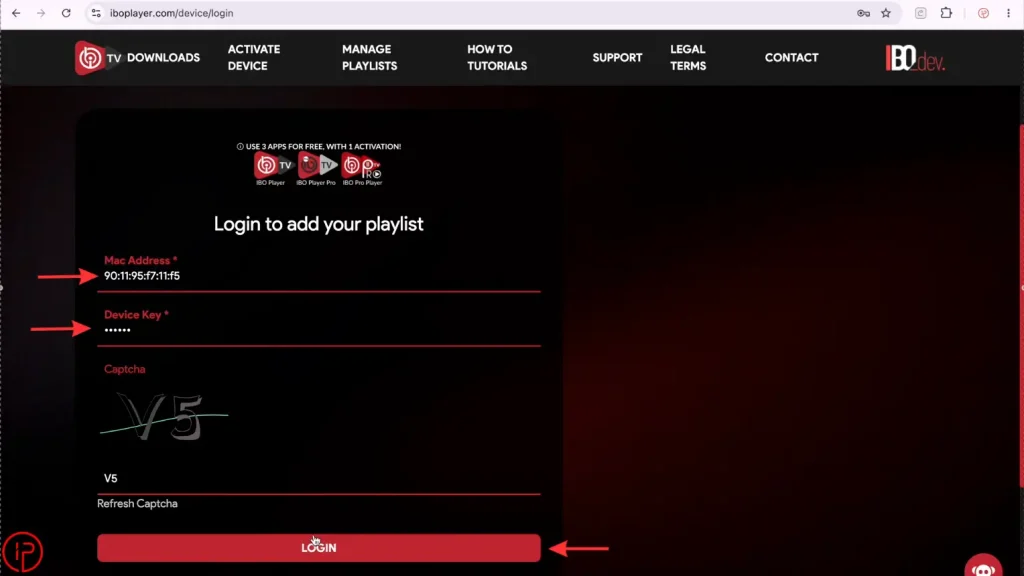
- Note the MAC address and device key the app shows on first launch.
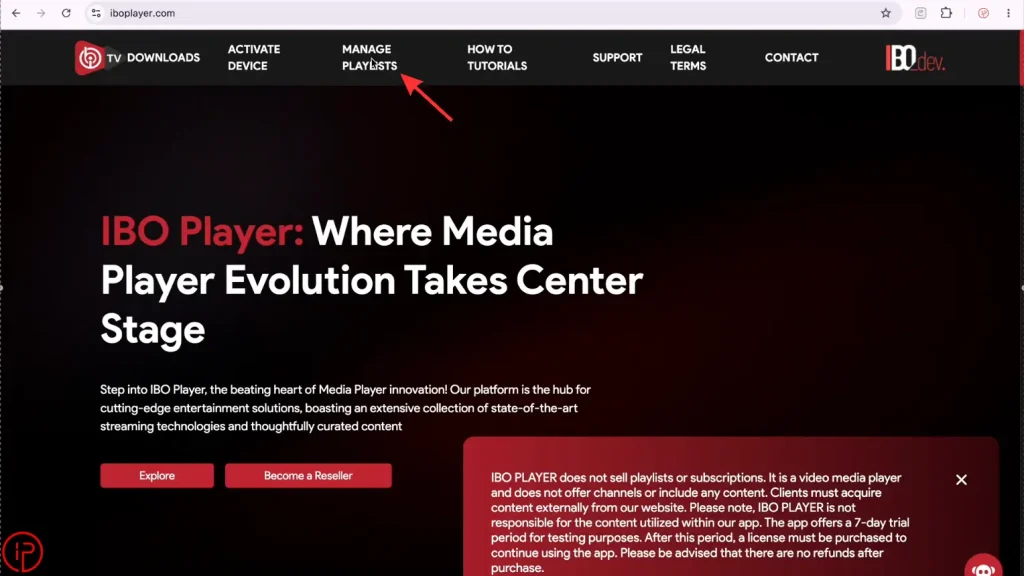
- On your phone or computer, open the developer’s official website and go to its playlist upload page.
- Enter the MAC address and device key, then paste your M3U link or enter your Xtream Codes details.
- Save and restart the app on the TV.
Fixing Common LG TV IPTV Problems
App is slow or crashes
Turn off Quick Start+ in the TV’s General settings so the TV fully restarts when switched off, then power-cycle it. Reinstall the app if problems continue.
Buffering or freezing
Use a wired connection where possible and close other apps. See how to fix IPTV buffering.
No TV guide
Add or refresh the EPG link in the app’s settings. See EPG not working.
Alternatives for LG TV Owners
- Connect a Firestick or Android TV device for a wider choice of apps.
- LG Channels, built into many LG TVs, offers free licensed live channels. See free live TV streaming services.
Frequently Asked Questions
No. webOS does not run Android apps, so you can only use apps from the LG app store.
IBO Player is a common choice because the same app works on LG, Samsung and Firestick. Check which apps your TV’s store lists in your country.
Most LG TV IPTV players offer a free trial and then charge a one-time activation fee. This is separate from your IPTV subscription.